Have you been dealing with fake followers, inactive ones or bots on Twitter? Ever wondered how to block multiple Twitter accounts at once?
I have been using Twitter since 2007, which means I have lived through Twitter’s many developments such as turning manual RTs to automatic, integrating Twitter with Facebook and Twitter based services like TwitVid, introducing Arabic hashtags and recently profile themes and photo tagging. It also means that I had to put up with trolls, spam messages, fake accounts and generally annoying Twitter users. In the past, I had to manually block any suspicious Twitter account that follows or mentions me. The more I tweeted, the more followers I got, and consequently the more unwanted accounts read my tweets and mentioned me on Twitter. I now have more than 7500 followers. Because of that I decided it’s time to make my tweets private but I had to clean my followers’ list first.
Protect your privacy
The best way to ensure that only real and safe people follow you on Twitter; go private by choosing to make your tweets available only for approved followers. Go to your Twitter profile and click on your picture on the top right corner, then click on ‘Settings’ after that click on ‘Security and privacy’. Scroll down to ‘Tweet Privacy’ and choose ‘Protect my tweets’. When you turn your tweets private, they become unsearchable, ie only you and your followers can see them.
Cleaning your followers’ list
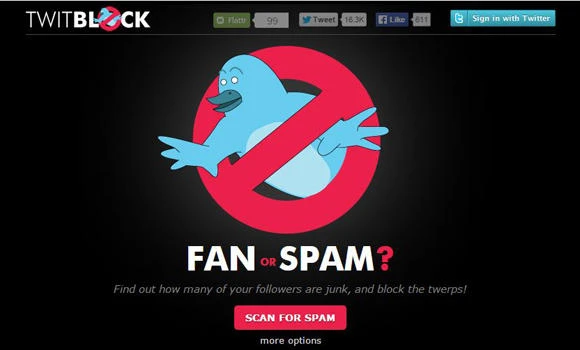
Whether you turn your tweets private or not, you can easily block all suspicious accounts that have a spam-like nature by using Twitblock application.
Here’s how to use it:
1. Go to www.twitblock.org and sign in using your Twitter account.
2. Click on ‘Scan for spam’. This will let Twitblock scan your entire account for any spam.
3. For more options, click on the arrow next to your picture and choose to one of these options: scan followers, scan friends, scan yourself, scan mentions, and manage blocks or more.
4. When the scan is done, you can quickly block any accounts you don’t like. Blocking a Twitter account prevents you and the blocked person from interacting with each other whether through DMs , mentions or replies and you both of you won’t be able to see each other’s tweets or activities.
There are other useful applications to manage your Twitter account online and Twitblock seems to be one of the best for keeping your account clean. Make sure to always put your privacy and safety first! Consider all the options you have in your Twitter’s ‘Security and privacy’ before you tweet.
• Twitter: @shad84