Tired of receiving tens of meaningless emails that you can’t remember when did you subscribe for them? me too. And no matter how many times I go through them one by one and search for that tiny link at the end of the email that says “unsubscribe” they seem to crawl back to my inbox days later. Not to mention the updates I start receiving everytime I sign up for an account somewhere.
Most of us don’t have the time to unsubscribe from newsletters and updates everyday. It’s an exhausting thing to do and lets be honest, not everyone knows how to do that. Which is why I appreciate Unroll.Me.
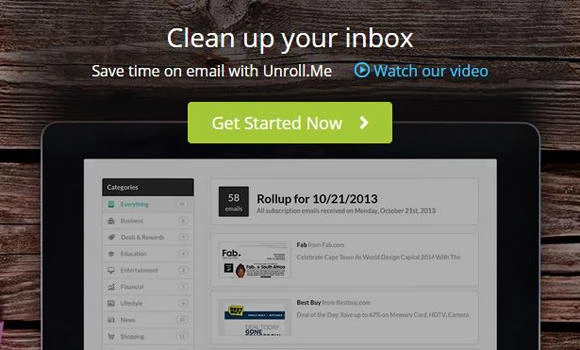
Unroll.Me is an online service that helps you get rid of all those emails you never read to have your inbox nice and clean again, just like the day you signed up for it.
How to use it
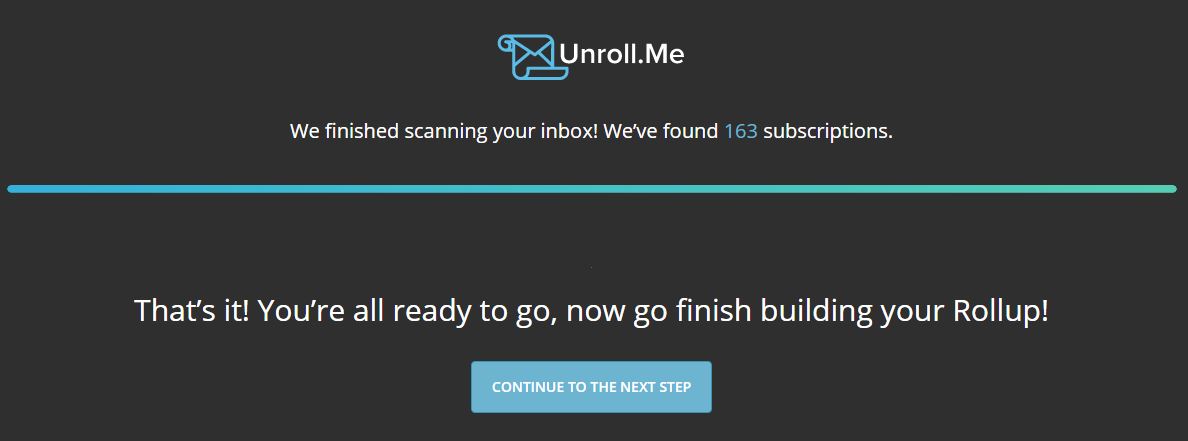
Sign up for a new account by entering your email address. Unroll.Me will then scan your inbox for subscription. It found 163 subscriptions in mine!
After that, you get to choose which ones you want to keep in your inbox, which ones you want to unsubscribe from and which you want to “Rollup”, an option by Unroll.Me that allows you to keep interesting subscriptions that you would like to read later but don’t want them to clutter your inbox. By adding emails to the Rollup list you will receive one daily email that includes latest messages from your subscriptions.
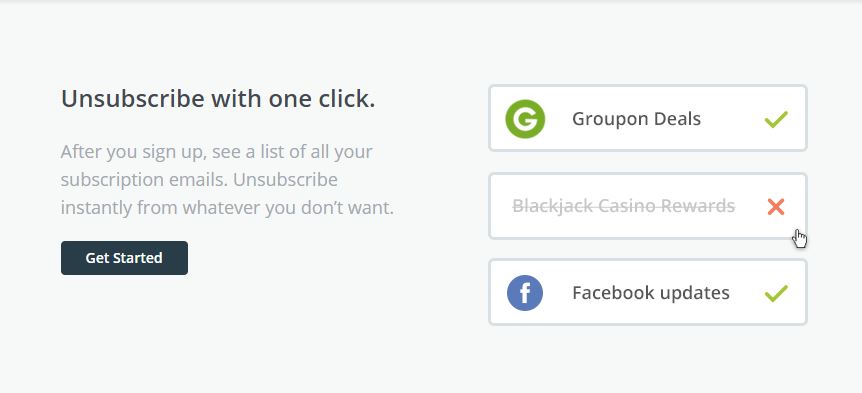
After signing up and scanning your email for the first time, Unroll.Me will monitor your inbox for new subscriptions and you can choose whether you want to receive reminders to unroll from them on a weekly or monthly basis.
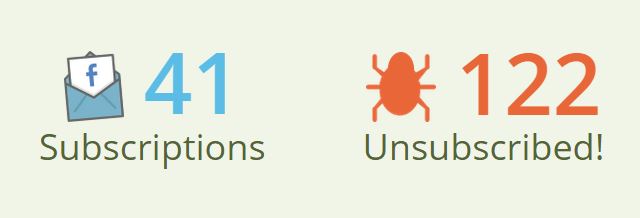
One thing I didn’t like about Unroll.Me, despite their great and easy service is that you can’t unsubscribe from more than 5 mailing lists unless you share a promotional message about it on Facebook or Twitter. Not a deal-breaker for me though. I managed to unroll myself from 122 subscriptions in less than 5 minutes.
Try it and let us know if you find it useful.